
Beginner
Open Access
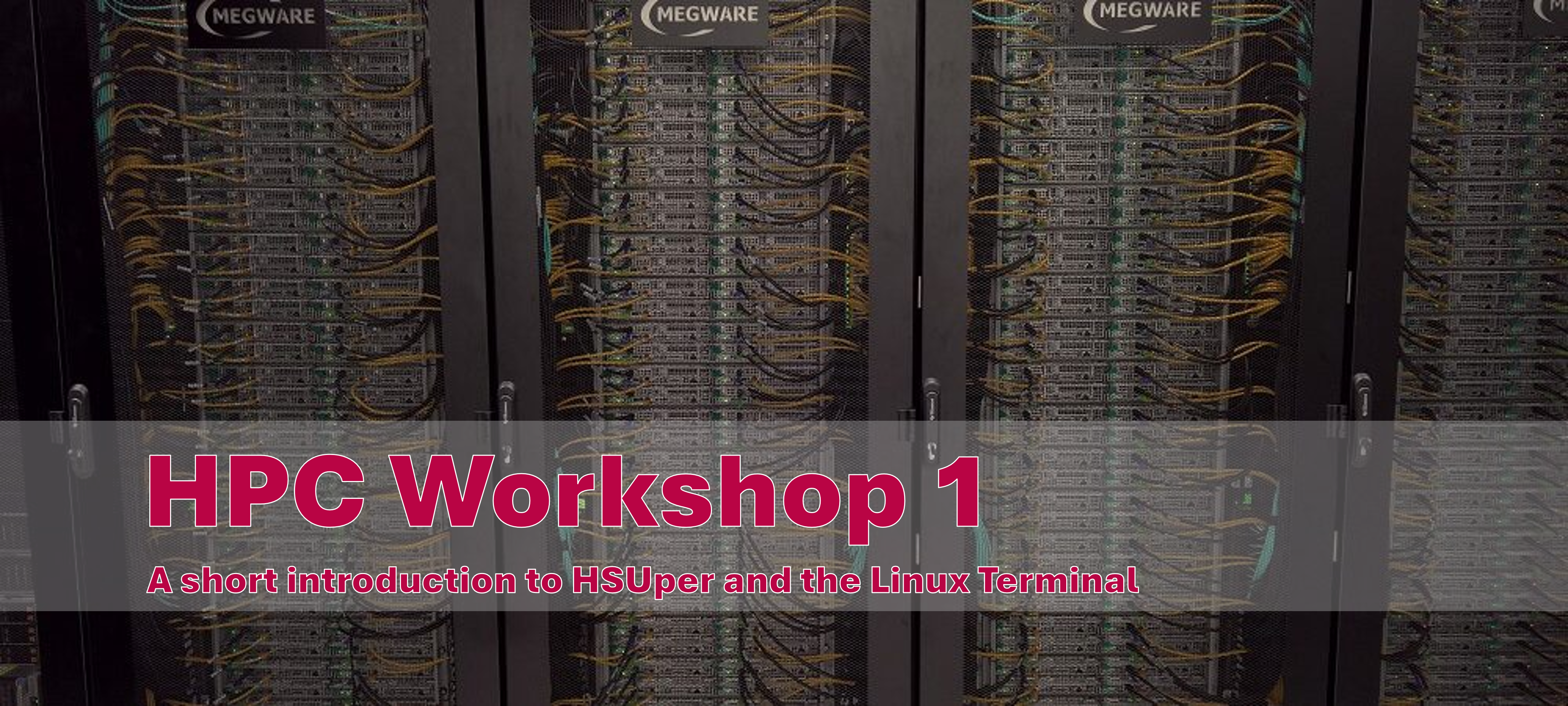
Welcome to HPC Workshop 1 - A short introduction to HSUper and the Linux Terminal - the first step in your journey to mastering High Performance Computing (HPC) with HSUper! This training is part of a series of self-paced digital trainings designed to help you build the skills needed to effectively utilize HPC resources on HSUper at the HSU.
This training is part of the reimagined HSUper Workshops series, originally offered as a six-part on-site program and now presented as flexible, self-paced digital trainings.
Access: You will learn what prerequisities you need to use the HPC structure at the HSU in general and how to access the HSUper. Therefore you will learn how to navigate via Command Line Interface (CLI).
Create & Delete: After getting access to HSUper, you will learn how to work with text files. You will learn how to display, create and delete files.
Directories & Scripts: To organize directories, you will learn how to create, delete and change directories. The last task is about scripts and environments variables.
Apply your Knowledge: The trainings includes smaller tasks that allow you to independently test your skills and check the results.
This workshop is tailored for new HSUper users at the Beginner-Level who are ready to take their first steps in the world of HPC. Whether you’re exploring computational science, running data-intensive simulations, or optimizing large-scale workflows, this course provides the foundational knowledge you need to get started.
While this course is free to use for everyone, you will need access to HSUper and access to the campus network (VPN possible), to actually work through the tasks.
This training material HPC Workshop 1 - A short introduction to HSUper and the Linux Terminal has been created using the Adapt Authoring Tool and is published as Open Educational Resource (OER) under the Creative Commons Attribution 4.0 International license CC BY 4.0. You are free to share (copy and redistribute the material in any medium or format) and adapt (remix, transform, and build upon the material for any purpose, even commercially), provided that appropriate credit is given to the original author(s), a link to the license is included, and any changes made are indicated. The downloadable file includes a ZIP file with the raw-data exported from Adapt, the training-tasks and a README file with a short explanation about how to use the files.
Attribution should include the name of the author(s), the title of the work, a reference to the source, and a link to the license. Please see Acknowledgement for further information.
Welcome to HPC Workshop 7 - Best Practices for HPC — an essential part of your journey toward …
Learn More
Welcome to HPC Workshop 5 - Loading and Installing Software with Spack — an essential part of your …
Learn More
Welcome to HPC Workshop 6 - Running Graphical Applications with X-Forwarding — an essential part of …
Learn More